

ChatGPT for Freelancers: The Complete Guide to Working Smarter in 2026
ChatGPT for Freelancers: How to Work Smarter, Earn More, and Save Hours Every Week
What if one AI tool could save you hours every day, help you land more clients, improve your writing, and even brainstorm your next big idea?
That's exactly why thousands of freelancers—from writers and designers to marketers, developers, and virtual assistants—are making ChatGPT part of their daily workflow.
Freelancing isn't just about doing great work anymore. It's about juggling client communication, creating proposals, managing projects, researching ideas, writing content, marketing yourself, handling invoices, and constantly finding your next client.
Many freelancers spend more time running their business than actually doing the work they love.
That's where ChatGPT changes everything.
When used correctly, ChatGPT doesn't replace your skills—it amplifies them. It helps you work faster, think more creatively, communicate more professionally, and focus on what truly matters: delivering value to your clients.
In this guide, you'll discover practical ways to use ChatGPT throughout your freelance journey, along with real-world examples, tips, and best practices to help you get the most out of this powerful AI assistant.
Why Freelancers Are Using ChatGPT
Every freelancer faces the same challenge:
There are only 24 hours in a day.
Whether you're writing blog posts, designing websites, managing social media, editing videos, or building apps, time is your most valuable asset.
Unfortunately, much of that time disappears into repetitive tasks:
Writing emails
Sending proposals
Brainstorming ideas
Editing content
Researching topics
Creating social media captions
Organizing projects
Responding to clients
These tasks are necessary, but they rarely generate income directly.
ChatGPT helps reduce the time spent on these repetitive activities so you can focus on work that actually grows your freelance business.
What is ChatGPT?
ChatGPT is an AI-powered conversational assistant developed by OpenAI. It understands natural language and can help with writing, brainstorming, coding, research, planning, summarizing, translating, and much more.
Unlike traditional search engines, ChatGPT can generate original responses, explain complex topics, rewrite content, and assist with creative thinking in seconds.
Think of it as your personal brainstorming partner, writing assistant, researcher, and productivity coach—all in one.
Benefits of ChatGPT for Freelancers
Save Time on Everyday Tasks
Instead of spending an hour drafting proposals or emails, ChatGPT can generate a professional first draft in minutes.
You can then personalize it before sending it to clients.
Small time savings each day quickly add up over weeks and months.
Improve Client Communication
Professional communication builds trust.
ChatGPT can help you:
Write polite client emails
Respond to difficult situations
Explain technical concepts simply
Create meeting agendas
Draft follow-up messages
Handle project updates professionally
Create Better Content Faster
If you're a:
Content writer
Copywriter
Blogger
Social media manager
SEO specialist
Digital marketer
ChatGPT can help generate:
Blog outlines
Headlines
Meta descriptions
FAQs
Email campaigns
Ad copy
Product descriptions
Video scripts
Social media captions
Remember, the best results come when you edit and add your own expertise instead of publishing AI-generated content unchanged.
Brainstorm Unlimited Ideas
Creative blocks happen to everyone.
Instead of staring at a blank screen, ChatGPT can generate ideas for:
Blog topics
Marketing campaigns
Instagram posts
LinkedIn content
YouTube videos
Portfolio projects
Lead magnets
Newsletters
Often, one AI-generated idea sparks an even better idea of your own.
Research More Efficiently
Research often takes longer than writing.
ChatGPT can help you:
Understand unfamiliar topics
Summarize lengthy documents
Compare tools
Generate questions
Organize research notes
For fact-checking and current information, pair ChatGPT with reliable sources like Google Search or Perplexity AI.
Practical Ways Freelancers Can Use ChatGPT
Finding Freelance Clients
ChatGPT can help you create:
Cold outreach emails
LinkedIn connection requests
Follow-up messages
Discovery call questions
Client questionnaires
These templates save hours while maintaining a professional tone.
Writing Winning Proposals
Many freelancers struggle with proposals because they don't know what to say.
ChatGPT can draft customized proposals based on:
Client requirements
Project scope
Timeline
Deliverables
Pricing explanation
You'll still want to personalize each proposal, but starting from a solid draft makes the process much faster.
Personal Branding
A strong personal brand attracts better opportunities.
Use ChatGPT to improve:
LinkedIn profile
About page
Portfolio copy
Website homepage
Service descriptions
Professional bio
Clear messaging helps potential clients understand your value quickly.
Content Marketing
Consistent content builds authority.
ChatGPT can help create:
Weekly blog ideas
Content calendars
SEO outlines
Newsletter topics
Social media content
Repurposed content for different platforms
Combined with your expertise, AI becomes a powerful content assistant.
Learning New Skills
Freelancers constantly need to adapt.
Use ChatGPT to:
Explain unfamiliar concepts
Create study plans
Practice interviews
Learn coding
Understand SEO
Improve marketing knowledge
Instead of spending hours searching across multiple websites, you can ask focused questions and receive structured explanations.
Best Prompting Tips for Freelancers
The quality of ChatGPT's responses depends largely on the quality of your prompts.
Instead of asking:
Write me a proposal.
Try:
Write a friendly but professional proposal for a freelance SEO consultant helping a local bakery improve Google rankings. Include a short introduction, scope of work, timeline, pricing section, and call-to-action.
Providing context, goals, audience, and desired tone results in much better outputs.
Common Mistakes to Avoid
Even though ChatGPT is incredibly capable, avoid these mistakes:
Copying AI content without editing
Using outdated information without verification
Sharing confidential client information
Relying on AI instead of your expertise
Ignoring fact-checking
Think of ChatGPT as an assistant—not a replacement for your judgment.
ChatGPT Works Even Better with Other AI Tools
Many freelancers combine ChatGPT with other AI tools to streamline their workflow.
A simple stack might look like this:
ChatGPT for writing, brainstorming, and planning
Canva AI for graphics and presentations
Notion AI for organizing projects and notes
Grammarly for editing and proofreading
Perplexity AI for research
Zapier for workflow automation
Fireflies.ai for meeting summaries
Together, these tools can save hours every week.
Frequently Asked Questions
Is ChatGPT free for freelancers?
Yes. ChatGPT offers a free version that is suitable for many everyday tasks. Paid plans provide access to more advanced models, additional features, and higher usage limits.
Can ChatGPT replace freelancers?
No.
Clients hire freelancers for their creativity, experience, strategic thinking, and ability to solve real business problems. ChatGPT enhances these skills but doesn't replace them.
Is ChatGPT good for beginners?
Absolutely.
Whether you're new to freelancing or have years of experience, ChatGPT can help simplify your workflow and improve productivity.
Does ChatGPT help with SEO?
Yes.
It can assist with keyword ideas, content outlines, meta descriptions, FAQs, internal linking suggestions, and content optimization. However, keyword research and final optimization should still be guided by reliable SEO tools and human expertise.
Final Thoughts
Freelancing has never been more competitive, but it has also never offered more opportunities.
AI isn't here to replace skilled freelancers—it rewards those who learn how to use it effectively.
ChatGPT gives freelancers a competitive advantage by reducing repetitive work, improving communication, accelerating content creation, and helping generate fresh ideas.
The most successful freelancers won't be the ones who avoid AI.
They'll be the ones who combine AI with human creativity, strategic thinking, and genuine expertise.
If you start using ChatGPT as part of your daily workflow today, you'll spend less time on routine tasks and more time doing meaningful work that grows your business.
Learn from Trusted AI Resources
If you want to deepen your understanding of AI and stay updated with the latest developments, these trusted resources are worth exploring:
OpenAI Resources – Learn about ChatGPT, prompt engineering, AI best practices, and the latest AI innovations.
Google AI Blog – Discover Google's latest AI research, Gemini updates, and machine learning advancements.
HubSpot AI Resources – Explore practical articles on using AI for marketing, content creation, and business growth.
Microsoft Copilot Learning Center – Learn how to use Microsoft Copilot across Microsoft 365 applications.
Canva AI Guides – Master Canva's AI-powered design tools with tutorials and creative tips.
Zapier AI Resources – Learn how to automate repetitive tasks and build AI-powered workflows.
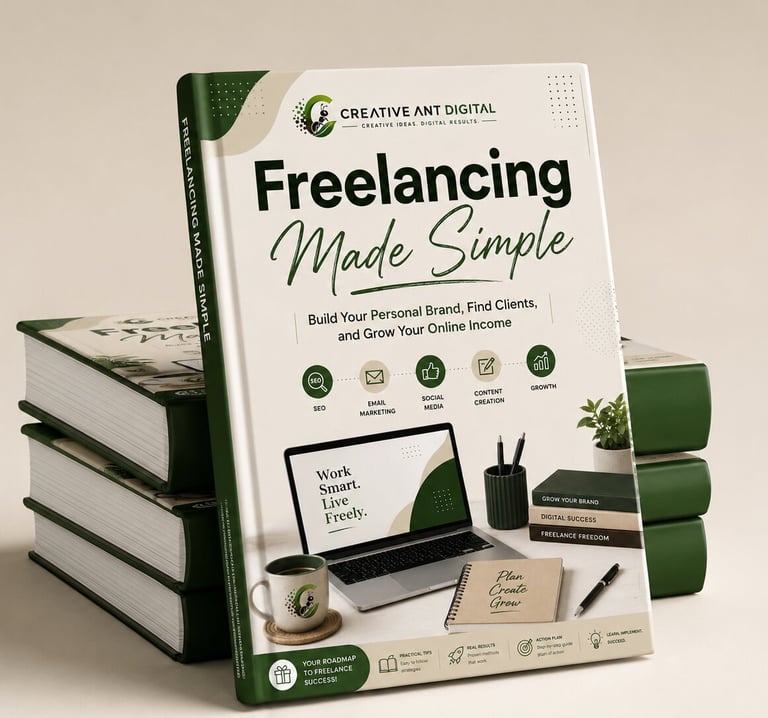
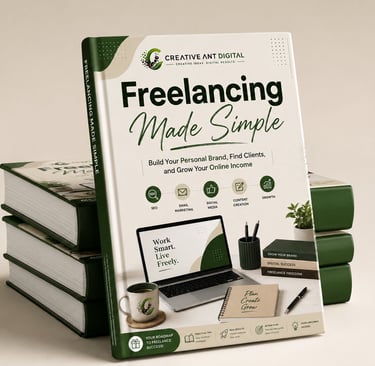
🎁 Free Freelancer Success Kit
Everything You Need to Start Freelancing—Free
Start your freelance journey with practical resources designed to help you build your personal brand, attract clients, stay organized, and grow your online income.
What's Inside:
📘 Freelancing Made Simple (Ebook)
📅 30-Day Freelancer Planner
🤖 100 AI Prompts for Freelancers
💼 Portfolio Template
💰 Invoice Template
📄 Client Proposal Template
📆 Content Calendar Template
✅ Freelancer Checklist
✓ Instant Access
✓ 100% Free
✓ No Experience Required
Related Articles